Voice-first kiosk
QR remote access
Multilingual
24/7
welcoAI — On-site AI guide for venues
A fixed kiosk that answers visitor questions with voice + text. Scan the QR on the device to continue on your phone — even when you walk away.
Difference:
GuideAI = scan → static content (text+audio),
welcoAI = scan or speak → interactive Q&A.
How it works
2 steps
Speak to the kiosk
Ask directions, rules, schedule, services — get instant answers.
Scan QR to continue on phone
Same venue assistant on mobile. Great for crowded spaces.
Multilingual by default
Visitors ask in their language — answers are spoken and shown.
Best for:
Airports • Expo • Stadiums • Malls • Schools
Core features
Designed for high-traffic, real-world venues.
Voice + text answers
Speak naturally. Answers are shown on screen and read aloud for accessibility.
Venue-aware knowledge
Rules, maps, gates, halls, services, schedules — curated per location.
QR remote session
Visitors scan and keep the assistant on their phone while moving around.
Controlled responses
Answers are constrained to your venue content — safer and more consistent.
Multilingual
Default multi-language support for tourists and international visitors.
Low-friction operation
No app install. Just speak or scan. Suitable for 7/24 unattended use.
Use cases
Replace “where is…?” queues with instant answers.
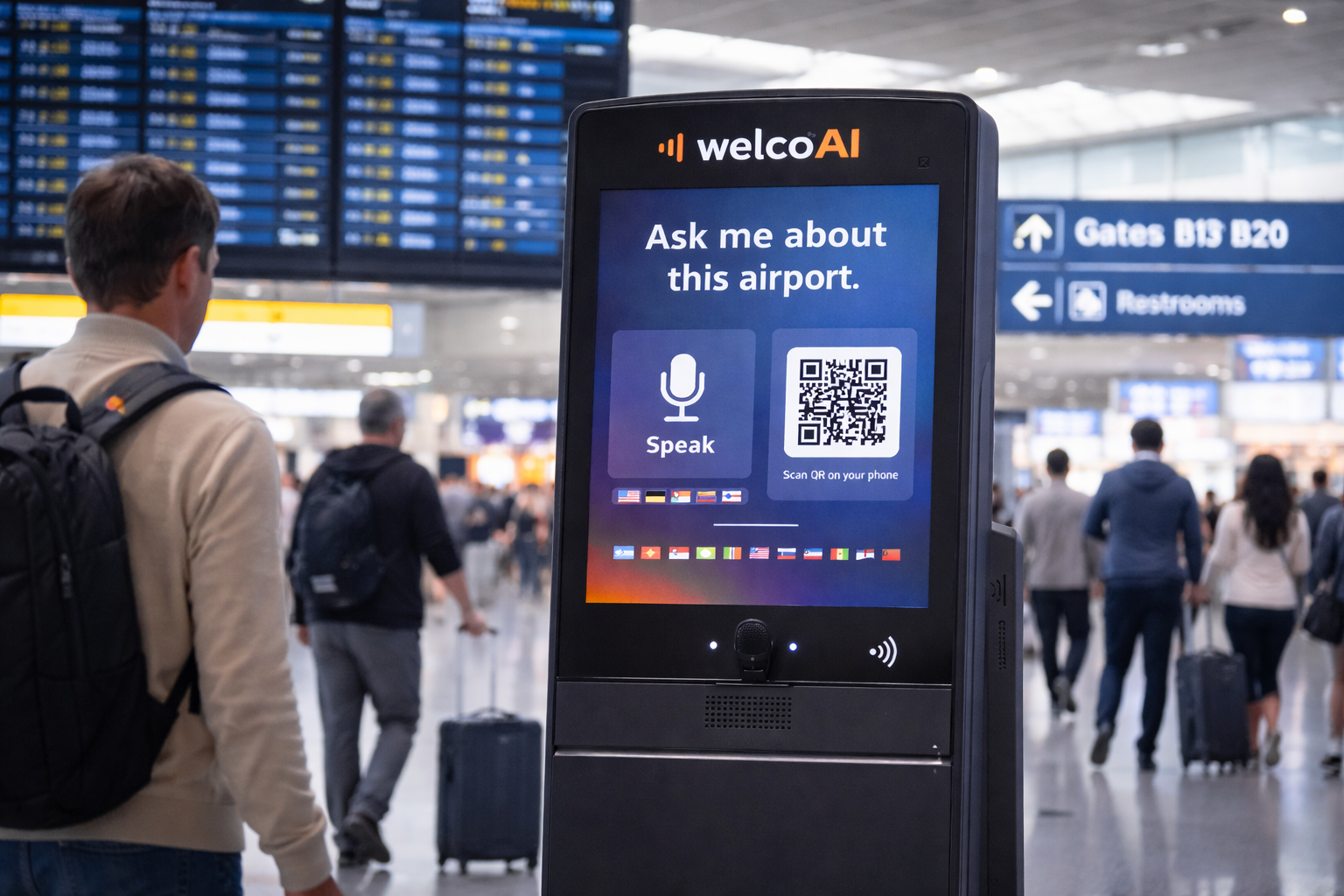
Airports / Stations
Gates, security rules, transfers, baggage, lounge, transport — asked in any language, answered instantly.
- “Where is Gate B12?”
- “Can I bring this item?”
- “How do I get to the shuttle?”
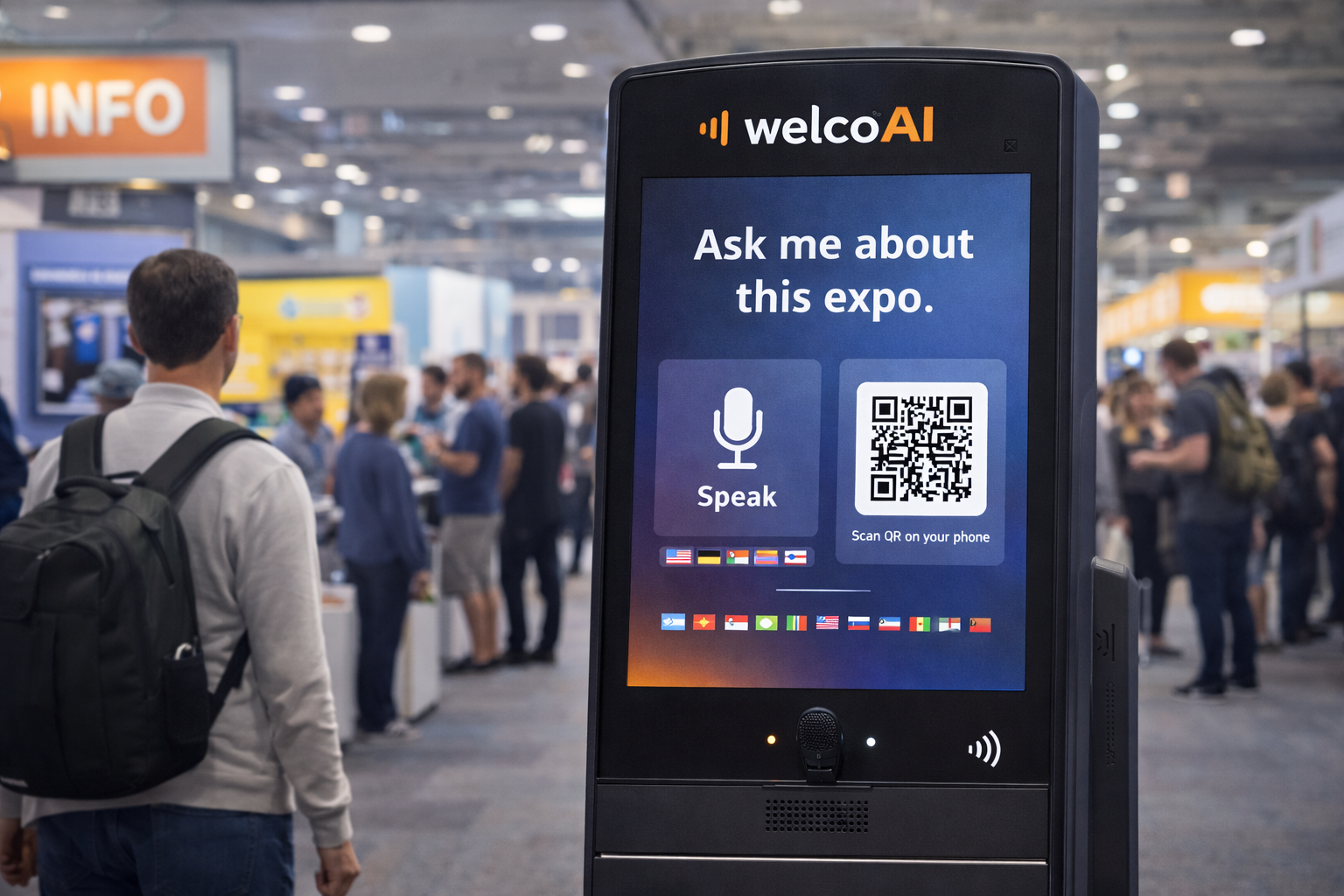
Expo / Fairs
Stand directions, hall maps, session times, speaker list, food areas — reduce staff load during peak hours.
- “Where is Hall 3?”
- “What’s next on the schedule?”
- “Which stands are in this category?”
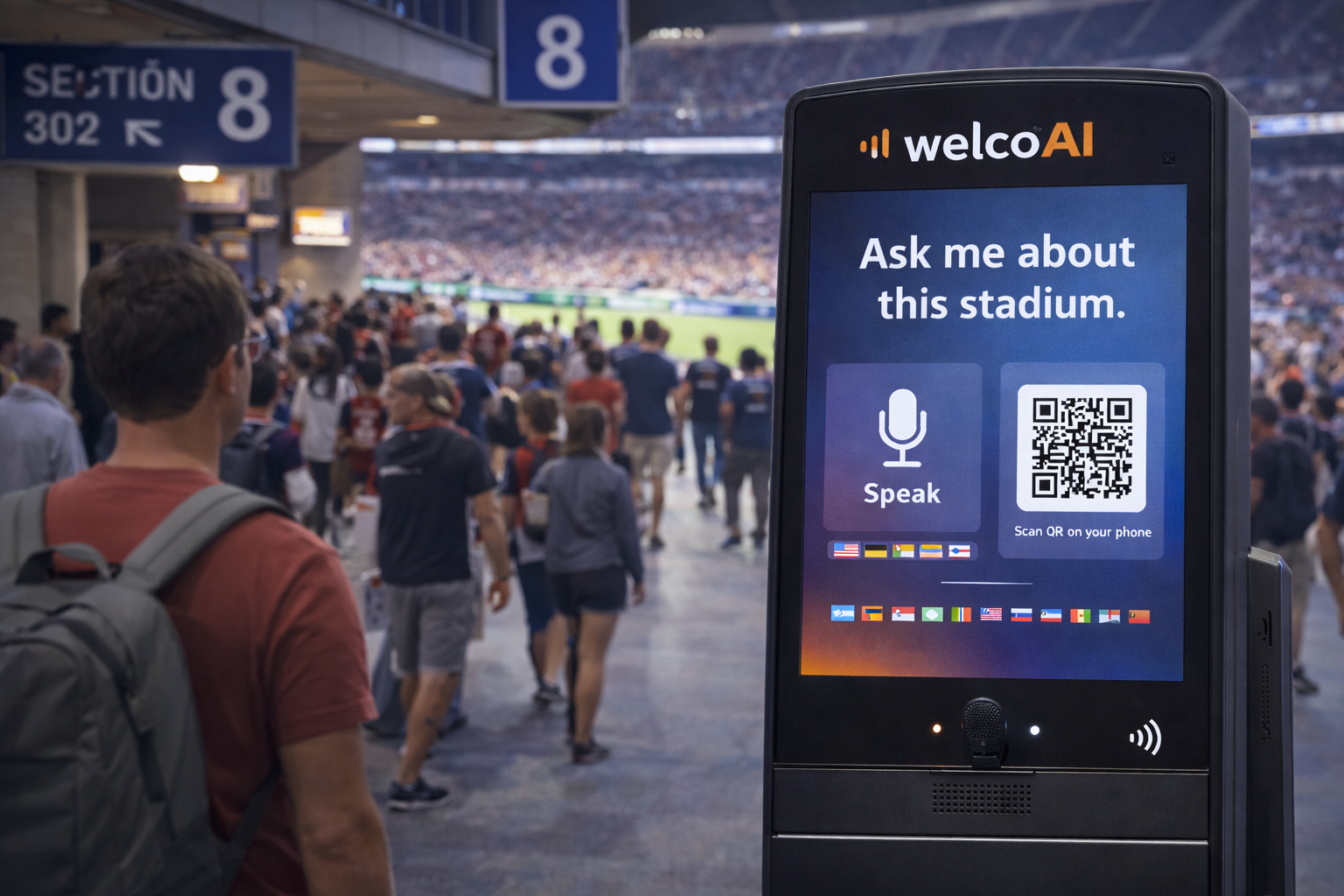
Stadiums / Concert venues
Entry gates, seating blocks, prohibited items, emergency exits — fast answers for big crowds.
- “Which gate for Section 210?”
- “Is this bag allowed?”
- “Where are the restrooms?”
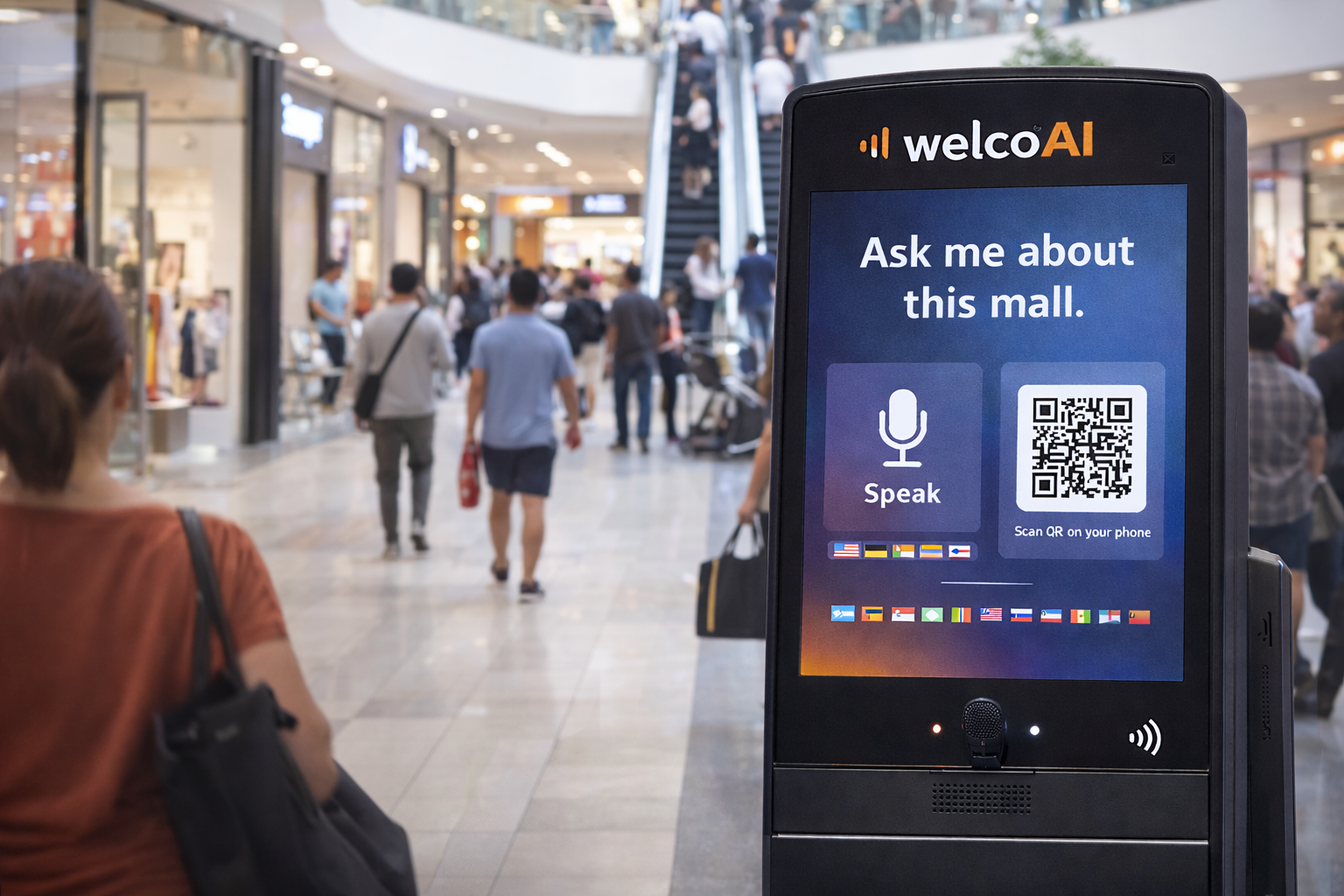
Malls / Large campuses
Stores, floors, services, lost&found, accessibility routes — make navigation effortless.
- “Where is the ATM?”
- “How do I get to Store X?”
- “Where is the kids area?”
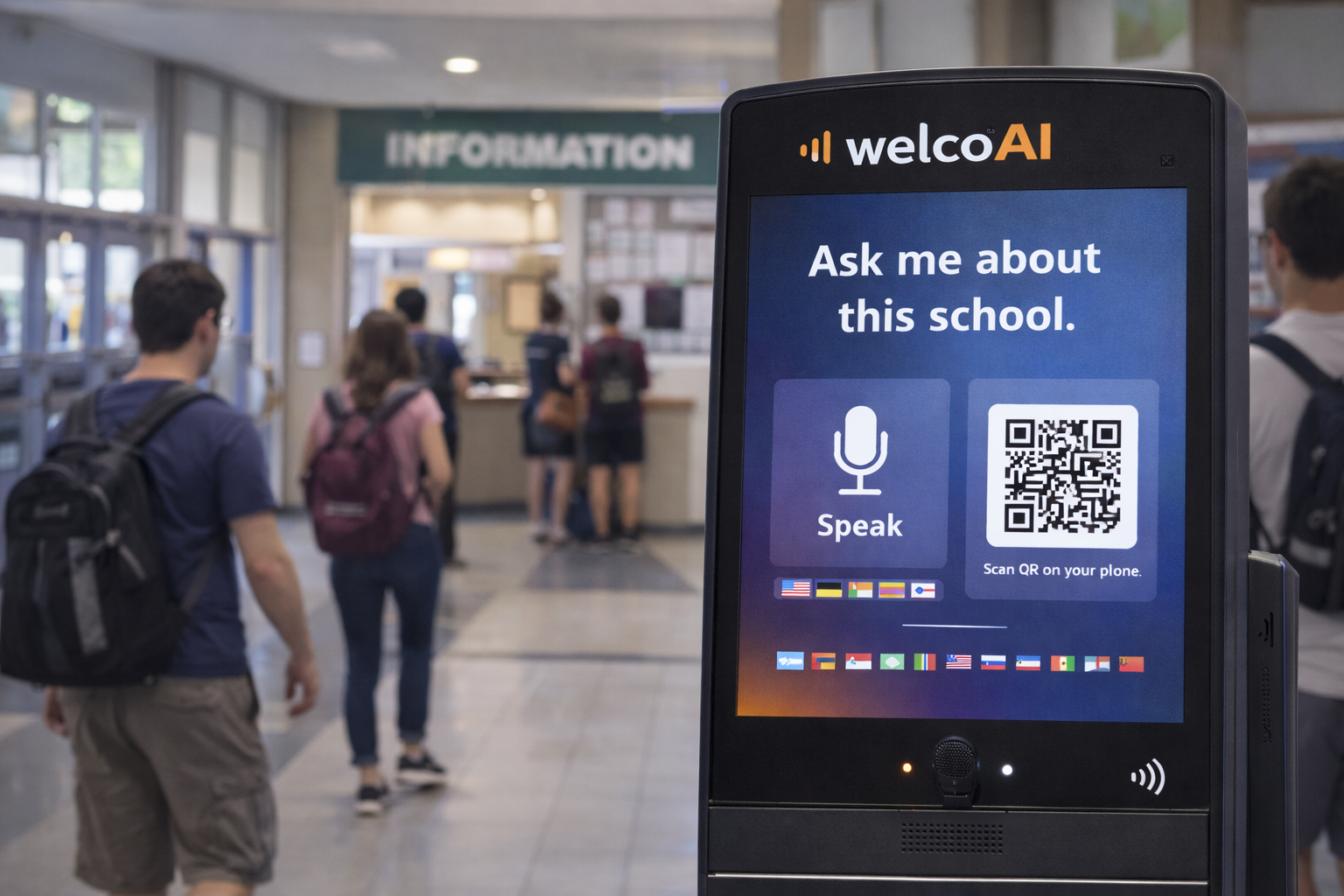
Schools / Universities
Registration desks, classrooms, campus rules, events — visitors and students get guidance anytime.
- “Where is the registrar?”
- “How to reach Building C?”
- “What are visitor rules?”
Ready to deploy welcoAI in your venue?
Start with pricing, then lock checkout with login (optional). We can also tailor content per venue.
Tip: You can keep pricing public and require login only for checkout.
Note: Images are placeholders for now. When you send the visuals, we’ll swap the
src="/img/usecases/…" paths to your final files.